Password Mismanagement
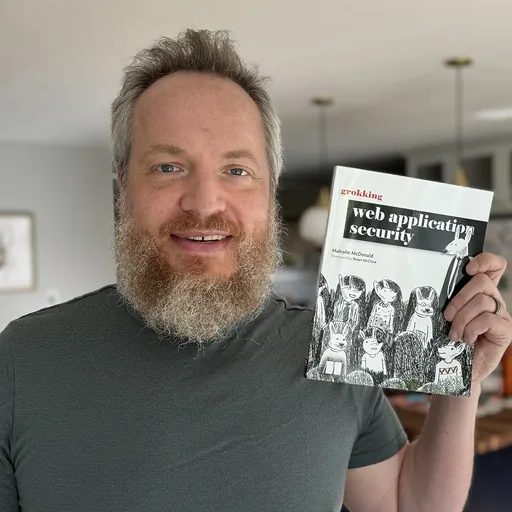 By Malcolm McDonald Founder, Editor-in-ChiefAuthor of Grokking Web Application Security
Safe treatment of passwords is essential to a secure authentication system - yet many websites get this wrong.
- Prevalence
- Common
- Exploitability
- Moderate
- Impact
- Devastating
What is password mismanagement?
Password mismanagement is an authentication vulnerability in which an application stores or handles passwords insecurely, for example keeping them in plain text, hashing them with a fast or unsalted algorithm, or permitting weak passwords. If the database is stolen, attackers can recover the passwords and reuse them in credential stuffing attacks against other sites.
What you'll learn
- When to hand authentication to a third party using OAuth or SAML
- How hashing, salt and pepper protect stored passwords
- How to design password rules, resets and lockouts
- When to add multi-factor authentication
Where this lesson counts
OWASP Top 10
Weak passwords, guessable sessions and leaky login flows let attackers assume other identities.
Learn more about A07PCI DSS 4.0
Requirement 6.2.4: engineering techniques must prevent injection, data-structure, cryptographic, business-logic and access-control attacks in bespoke software.
Learn more about 6.2.4Requirement 8.3.1: all user access must be authenticated with at least one properly implemented factor, such as a password stored securely.
Requirement 8.3.1 demands properly implemented authentication factors, which starts with how passwords are stored.
Learn more about 8.3.1This lesson includes
-
Password Mismanagement lab
Work through the decisions behind a login system: whether to hand authentication to a third party using OAuth or SAML, how strict to make password rules, how to run resets and lockouts, how to store passwords with hashing, salt and pepper, and when to add multi-factor authentication.
-
How to prevent Password Mismanagement
The prevention guide covers eight approaches:
- Use Third-Party Authentication if Possible
- Ensure Password Complexity
- Allow Password Resets via Email
- Confirm Old Password On Reset
- Prevent Brute-Forcing
- Store Passwords With A Strong Hash, Salted
- Timeout Sessions After Inactivity, and Provide a Logout Function
- Use HTTPS for Secure Communication
-
Password Mismanagement quiz
Three questions. Passing marks the lesson complete.
Related lessons
Browse all 45 lessons
User Enumeration
Leaking username information on your site makes things much easier for hackers.

Weak Session IDs
Guessable session IDs make your website vulnerable to session hijacking.

Session Fixation
Insecure treatment of session IDs can leave your users vulnerable to having their session hijacked.

Privilege Escalation
Privilege escalation occurs when an attacker exploits a vulnerability to impersonate another user or gain extra permissions.